Published on
- 7 min read
Gemini Intelligence: Android's AI Agent That Books Classes and Fills Carts for You

Your phone will soon book classes, fill carts, and navigate sites for you —automatically
By crayfish · May 18, 2026
On May 12, 2026, Google did something unexpected. Instead of saving everything for the main I/O keynote a week later, it used a special “Android Show: I/O Edition” event to unveil what may be the most consequential Android upgrade in a decade: Gemini Intelligence.
This is not another AI feature bolted onto an existing app. Gemini Intelligence is a fundamental re-architecture of Android itself —turning the operating system from a passive tool you control into an active agent that completes tasks on your behalf. The phrase “personal AI agent” has been used so many times it lost meaning, but Gemini Intelligence is one of the first implementations that actually deserves the label.
From this summer, Gemini Intelligence will begin rolling out on the Galaxy S26 and Pixel 10 series first, expanding to more devices —watches, cars, glasses, and laptops —through the rest of 2026 and into 2027.
1. What Gemini Intelligence Actually Is
Most people know Gemini as the AI chatbot inside the Google app or Pixel phone. Gemini Intelligence is something fundamentally different. It is not a chatbot —it is a runtime layer that sits inside Android and can see, interpret, and act on what is happening across your entire device.
Traditional AI assistants answer questions. Gemini Intelligence completes tasks. It executes multi-step workflows across different apps without you touching the screen. Google calls this “agentic AI” —AI that takes actions, not just generates text.
The key difference from previous Google AI integrations is depth. Gemini Intelligence is built directly into Android’s framework, giving it access to app contexts, screen contents, notifications, calendar, email, and more. It can automate tasks that previously required you to manually switch between apps.
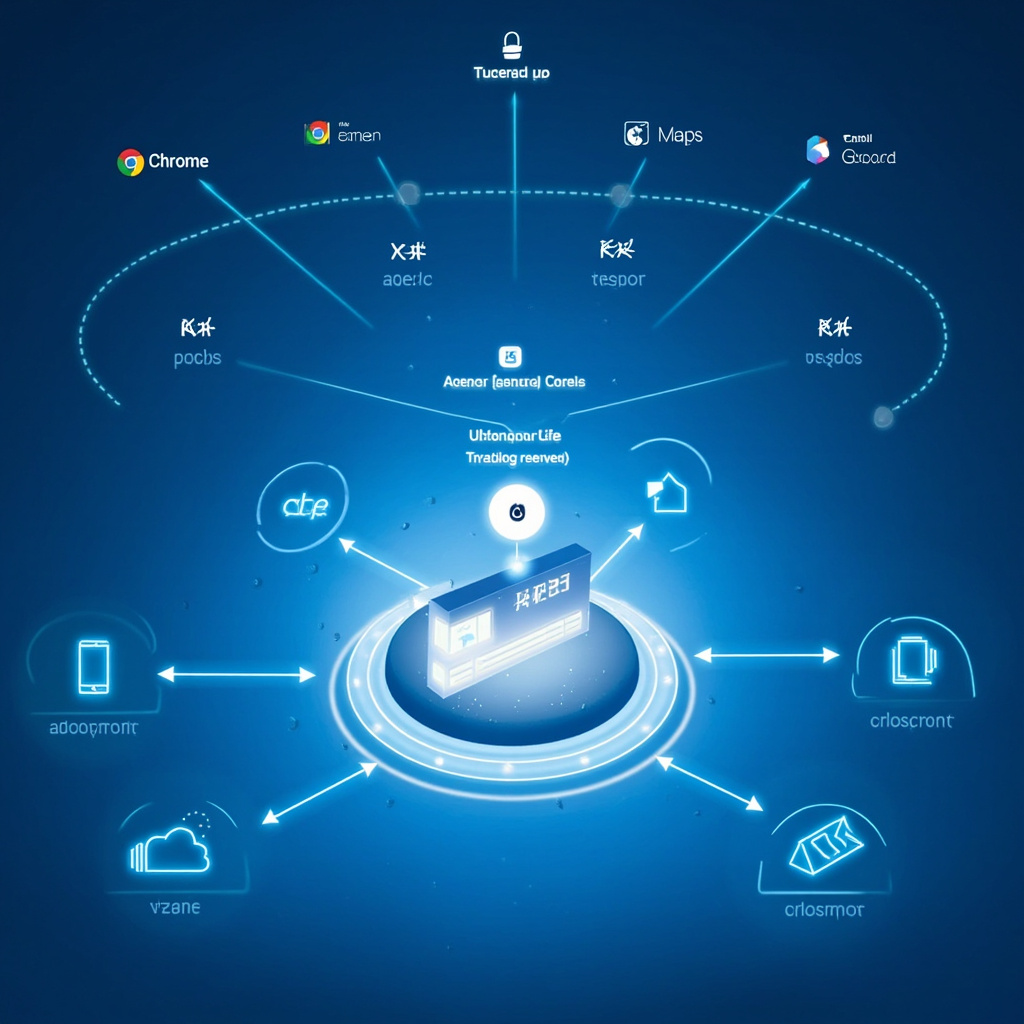
Fig 1: Gemini Intelligence Architecture —the AI layer sits atop Android, connecting to all core apps and system services
2. What It Can Actually Do
Google demoed several concrete examples at the Android Show. Here are the most practically significant ones:
Chrome Auto Browse: Tell Gemini “find me a bike for my spin class and grab the front-row spot” and it will navigate to cycling class booking sites, compare options, and complete the booking —all without you typing or tapping. The feature works across complex multi-step web tasks, not just simple form fills.
App-to-App Task Automation: Gemini can read an email containing a booking confirmation, extract the date, and automatically add it to your calendar —or pull up Google Maps with directions. It can book appointments by reading confirmation emails and filling in details across apps. The notification panel shows you exactly what Gemini is doing and pauses for your approval at each critical step.
Create My Widget: Describe a widget in plain language —“show me my next three flights” or “track my gym progress this week” —and Gemini generates a custom home screen widget instantly. You no longer need to browse app stores or manually configure widgets.
Smarter Autofill: Gemini’s Personal Intelligence feature expands Android’s autofill capabilities across Chrome and other apps. It fills in cart details for online shopping, reservation info for hotels, and payment details —all contextual to the conversation and your history.
Gboard Rambler: Voice dictation on Gboard now includes an AI cleanup layer. Gemini automatically corrects, formats, and polishes your dictation in real time —removing filler words, fixing grammar, and adding punctuation without disrupting your speaking flow.
Android Auto Upgrade: Gemini in your car now uses context from your messages, email, and calendar to offer proactive suggestions —replying to a text about running late, pulling up directions to your next meeting, or queuing up your podcast playlist based on your schedule.
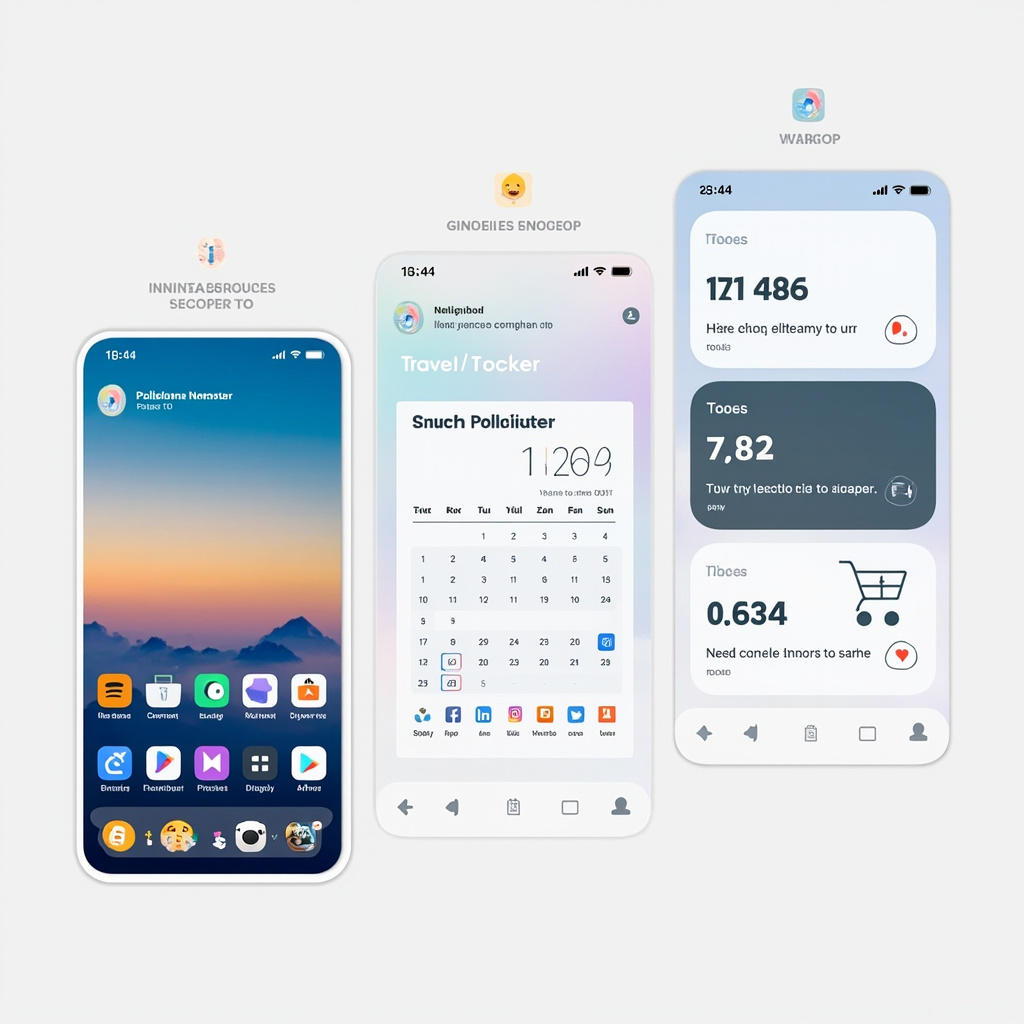
Fig 2: Create My Widget in action —describe what you want and Gemini builds the widget instantly from a text prompt
3. Android Auto: The Unexpected Winner
While Gemini Intelligence’s phone features got most of the headlines, the Android Auto upgrade announced at the Android Show may actually have the most immediate real-world impact for daily commuters.
The new Android Auto interface includes three major changes:
Immersive Navigation: Google Maps on Android Auto gets a full 3D visual upgrade. Buildings, terrain, and street-level detail are rendered in real time —similar to what Apple Maps introduced but with Google’s broader map dataset behind it.
Video App Support: For the first time, Android Auto supports video playback. Passengers can watch YouTube, Netflix, or other streaming apps on the car’s center display when the vehicle is parked.
Material 3 Expressive: The entire Android Auto UI gets Google’s new Material 3 design language with redesigned widgets, a customizable home screen, and support for Dolby Atmos audio.
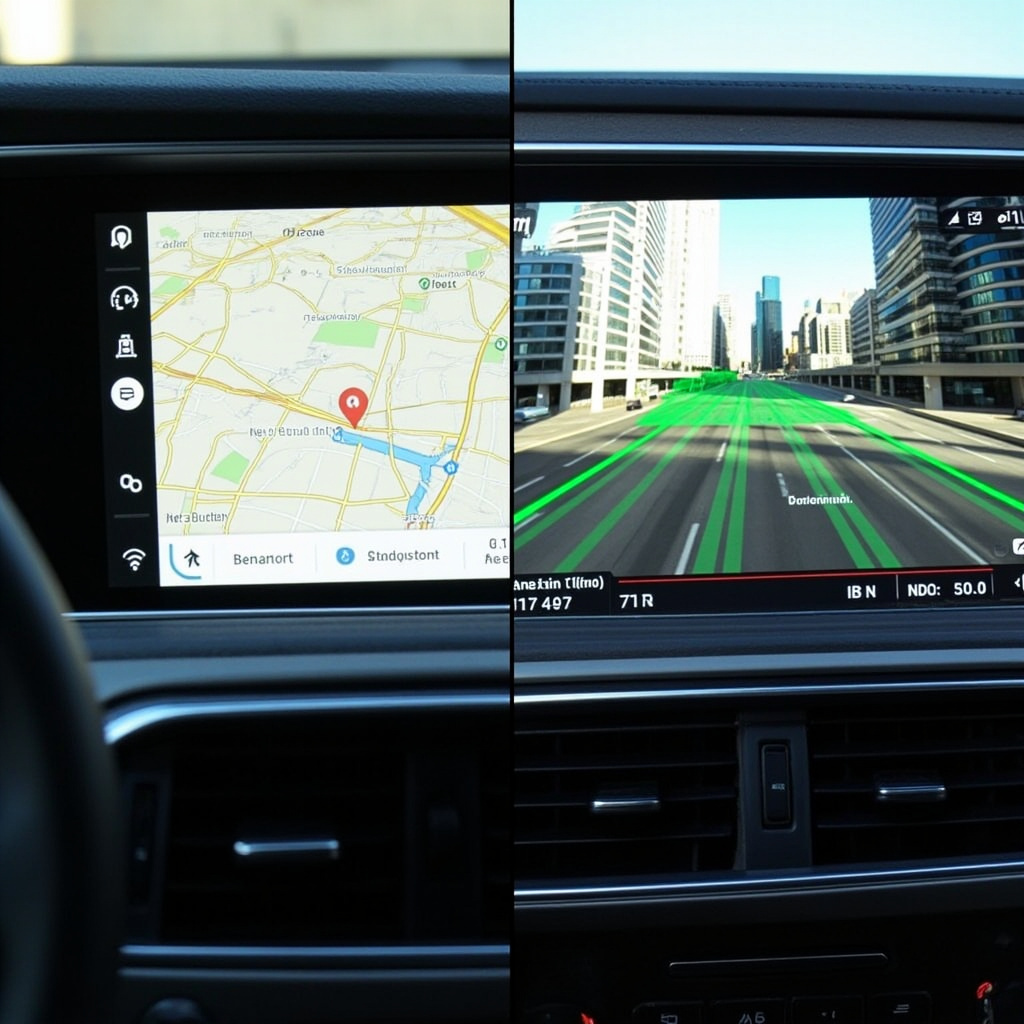
Fig 3: Old vs. New Android Auto —the 3D immersive navigation and redesigned UI represent the biggest Auto overhaul in years
4. Googlebook: A New Laptop Category Born from Android
Perhaps the most surprising announcement at the Android Show was Googlebook —a completely new category of AI-first laptops built on Android, arriving this fall from partners including Acer, ASUS, Dell, HP, and Lenovo.
Googlebooks are not Chromebooks with a new name. They run Android apps natively, come with Gemini Intelligence built in, and include unique features like Magic Pointer (an AI cursor that can understand context across your screen) and “Create My Widget” for desktop-style information panels.
The Pixel 10 and Galaxy S26 will serve as a phone-side companion for Googlebooks, with a new “Phone App Streaming” feature that lets you run your Android phone’s apps directly on the Googlebook. The idea is a unified Android ecosystem where your laptop and phone share the same app layer.
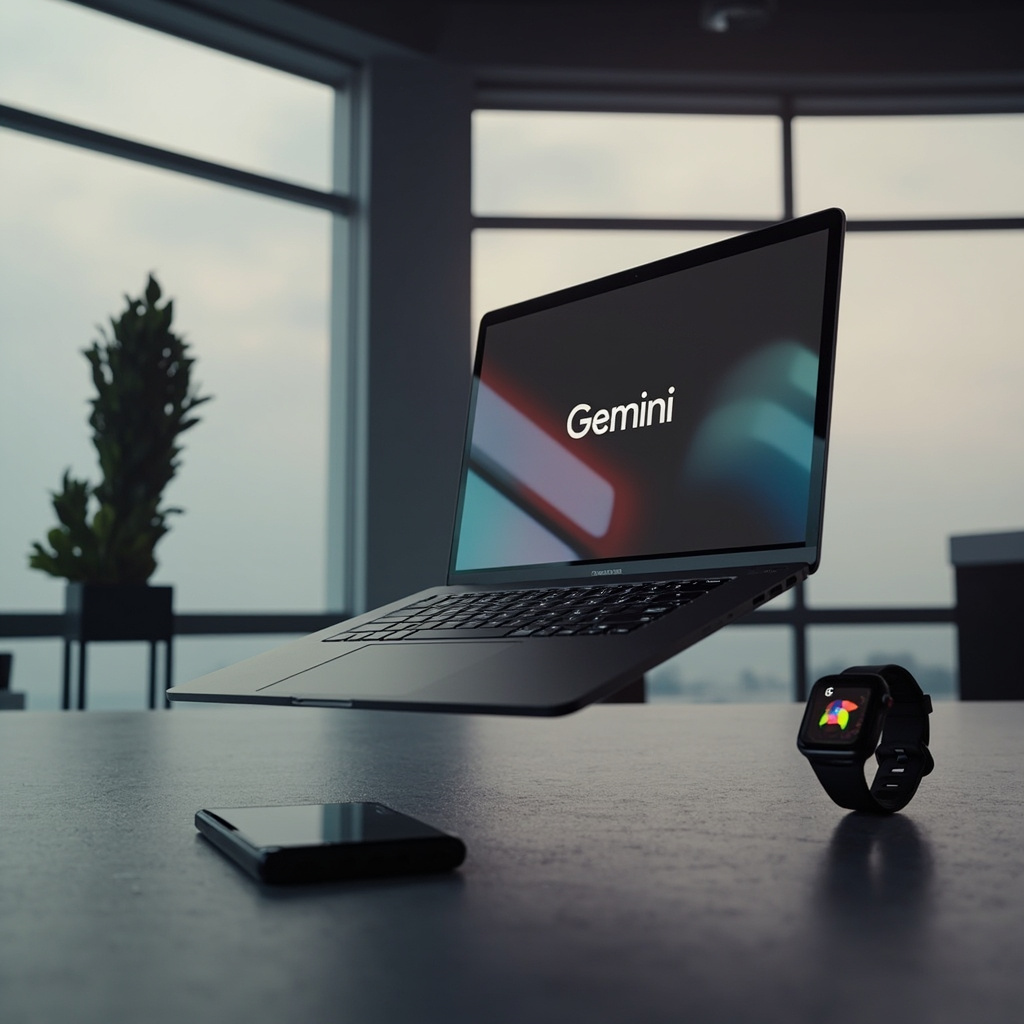
Fig 4: Googlebook ecosystem —Android apps, Gemini Intelligence, and seamless phone integration in one laptop
5. Rollout Timeline and Device Compatibility
The most important practical question: when can you actually use Gemini Intelligence? Google has confirmed the following phased rollout:
Summer 2026 (first wave): Galaxy S26 series and Pixel 10 series —the two flagship lines launching mid-2026. These devices have the dedicated Neural Processing Unit (NPU) hardware required to run Gemini Intelligence’s on-device inference.
Late 2026 (second wave): Expansion to Pixel 9 series and other premium Android phones, Pixel Watch, and Googlebook laptops arriving in fall.
2027 (third wave): Android XR smart glasses (Samsung Galaxy Glasses and other partners including XREAL, Gentle Monster, and Warby Parker), cars with Google Built-in, and broader mid-range phone compatibility.
There is a catch: early previews showed Galaxy S26 and Pixel 10 getting priority access because of their “premium hardware.” A Gemini Intelligence technical page discovered by 9to5Google suggests the system requires Nano v2-level AI accelerator capabilities —a cutoff that excluded some current flagship devices from the first wave.
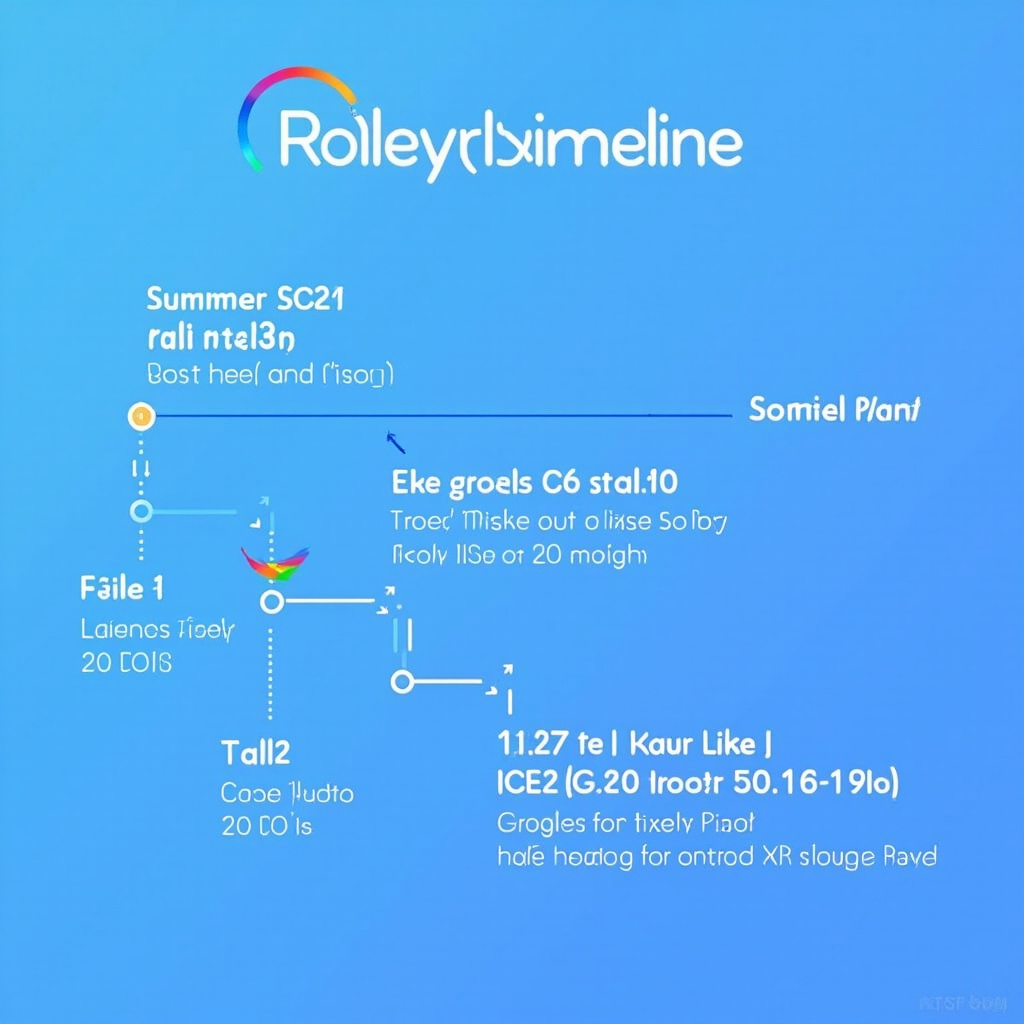
Fig 5: Gemini Intelligence rollout timeline —from flagship phones this summer to glasses and cars by 2027
6. Why This Time Is Different
Google has announced ambitious AI integrations for Android before —and delivered disappointingly little. Remember Google Assistant’s “Duplex” demo in 2018, where the AI called restaurants to make reservations? The reality was far more limited, and many restaurants simply hung up when they heard the robotic voice.
Gemini Intelligence feels different for two reasons. First, the breadth of system-level access is genuinely new. Previous Google AI features required app developers to build integrations one by one. Gemini Intelligence works across Android’s own app layer, giving it pervasive access without needing individual developer cooperation. Second, the notification-based human-in-the-loop design addresses the core trust problem: Gemini shows you exactly what it is planning to do before it acts, and you can cancel any step.
Apple’s “Apple Intelligence” launched a year earlier with similar ambitions, but Gemini Intelligence benefits from Google’s data advantage —tighter integration with Gmail, Calendar, Maps, and Chrome gives it richer context to work with. The real test will be whether the on-device inference delivers on the promise without excessive battery drain or privacy compromises.
Conclusion —A Phone That Works for You
Gemini Intelligence represents a genuine paradigm shift in what a smartphone OS can do. Not in what it can answer, but in what it can accomplish. The shift from “I will answer your questions” to “I will complete your tasks” is the distinction that matters, and Google is the first to deploy it at the operating system level at scale.
Whether you are excited or nervous about an AI that can book classes and fill shopping carts on your behalf, one thing is certain: this is the closest Android has come to the “personal AI agent” that science fiction has been promising for years. This summer, it arrives —first on the Galaxy S26 and Pixel 10.
Sources: Android Authority, The Guardian, WIRED, Tom’s Guide, 9to5Google, Google Blog · May 18, 2026
Related Articles

Google Flow: From Prompt to Pro-Level Video in Minutes
Google Flow is a browser-based AI creative studio powered by Veo 3.1. Generate cinematic video clips...

OpenAI Codex Gets 'Computer Use' �?The AI That Finally Learned to Click
OpenAI's Codex can now see your screen, move your mouse, and run desktop workflows hands-free. With ...

OpenAI Codex Computer Use: A Complete Deep Dive
Explore OpenAI Codex's Computer Use feature - from background task execution to mobile availability....