Published on
- 6 min read
Google Flow: From Prompt to Pro-Level Video in Minutes

From Prompt to Pro-Level Video in Minutes: A Hands-On Guide to Google’s Most Powerful AI Filmmaking Tool
Figure 1: Google Flow �?AI Creative Studio Overview
What Is Google Flow?
If you’ve been watching the AI video space closely, you’ve probably heard whispers about Google Flow �?but maybe never dug into what it actually does. Time to change that.
Google Flow is Google’s AI creative studio, first unveiled at Google I/O 2025 and supercharged with Veo 3.1 integration. It’s a browser-based workspace that lets you generate cinematic video clips, high-fidelity images, and hybrid compositions �?all from text prompts. Think of it as Adobe Premiere meets ChatGPT, with the production values of a Hollywood studio.
Since launch, users have created over 1.5 billion images and videos on the platform. The latest major update (February 2026) brought a fully redesigned interface with image generation front-and-center, integrating capabilities from Google’s discontinued Whisk and ImageFX experiments. Nano Banana �?Google’s image generation model �?is now baked directly into Flow’s core experience.
Core Features: What Can You Actually Do?
Here’s where it gets exciting. Flow isn’t just a video generator �?it’s a complete creative workflow in a browser tab.
1. Text-to-Video with Veo 3.1: The star of the show. Veo 3.1 generates up to 4K resolution video clips from natural language prompts. You can describe a scene �?a samurai walking through a neon-lit Tokyo alley at midnight, for instance �?and Veo 3.1 renders it with realistic lighting, physics, and cinematic camera motion. Audio is natively generated and synchronized to the on-screen action.
2. Image Generation with Nano Banana: Want a specific visual as your starting frame? Flow integrates Nano Banana 2, Google’s latest image model, for free-form generation. Use those images as ingredients for video �?essentially feeding your own visuals into the Veo pipeline.
3. ‘Ingredients to Video’: One of Flow’s signature features. Upload a photo (your face, a product shot, a location) and describe what should happen around it. The AI keeps the subject consistent across scenes, making it ideal for brand content and storytelling.
4. Frames-to-Video: Take a single still image and animate it �?turn a portrait into a talking character, a landscape into a living scene.
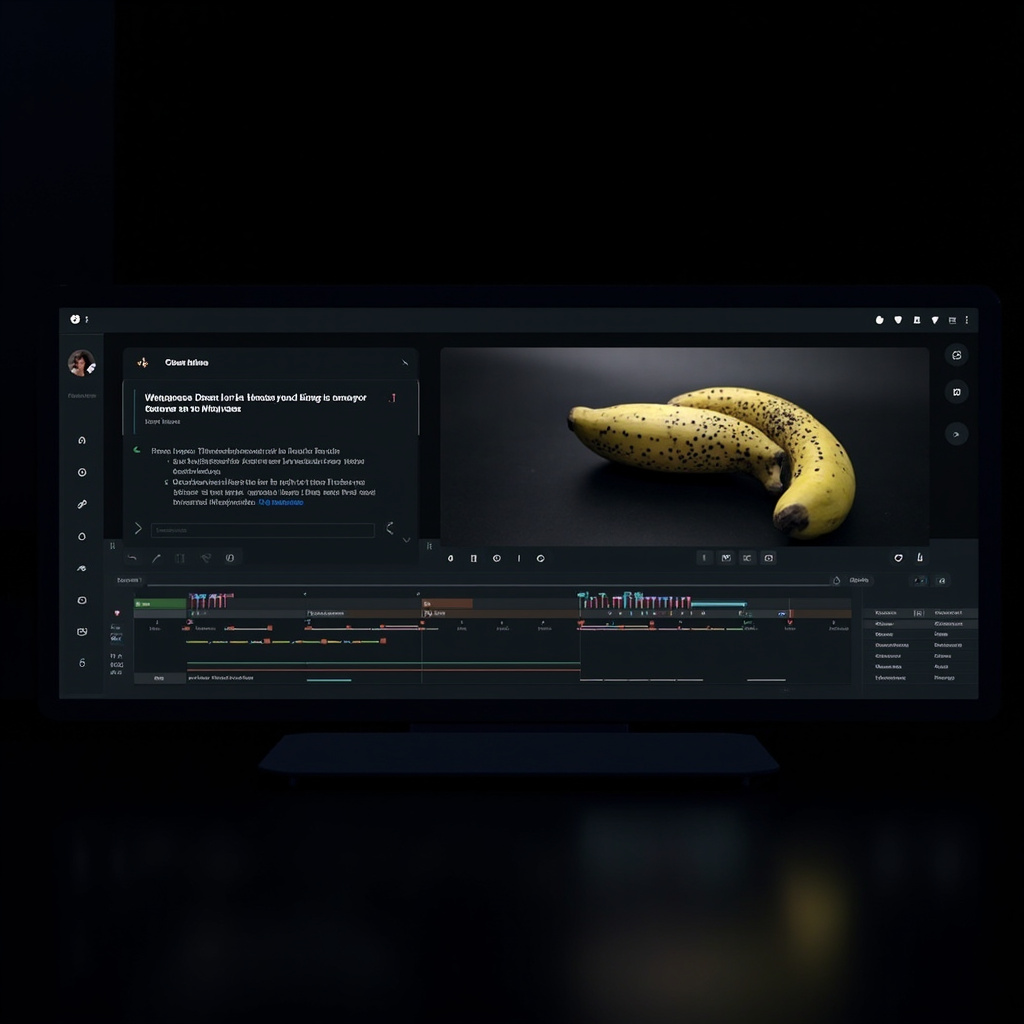
Figure 2: The Flow Interface �?Video Generation Workspace
5. Extend & Remix: Seamlessly extend any clip’s length. Select specific regions with the new lasso tool and make targeted edits using natural language (‘remove that person,’ ‘add a fog effect’).
6. Collections & Asset Management: A new grid-based library system lets you organize all your generations, search by keyword, and group assets into collections for client projects.
How to Get Access
Flow is currently available through two Google AI subscription tiers:
- Google AI Pro ($19.99/month): Includes Flow access with Veo 3.1, Gemini 3.1 Pro, and 1080p video upscaling. Best for individual creators and freelancers.
- Google AI Ultra ($249.99/month): Adds 4K upscaling, Gemini Deep Think, and priority generation. Geared toward serious professionals and production teams.
Flow currently operates in the US with limited international availability. Google says expansion is underway.
Step-by-Step: Creating Your First AI Video
Here’s a practical walkthrough for creating a cinematic clip on Flow:
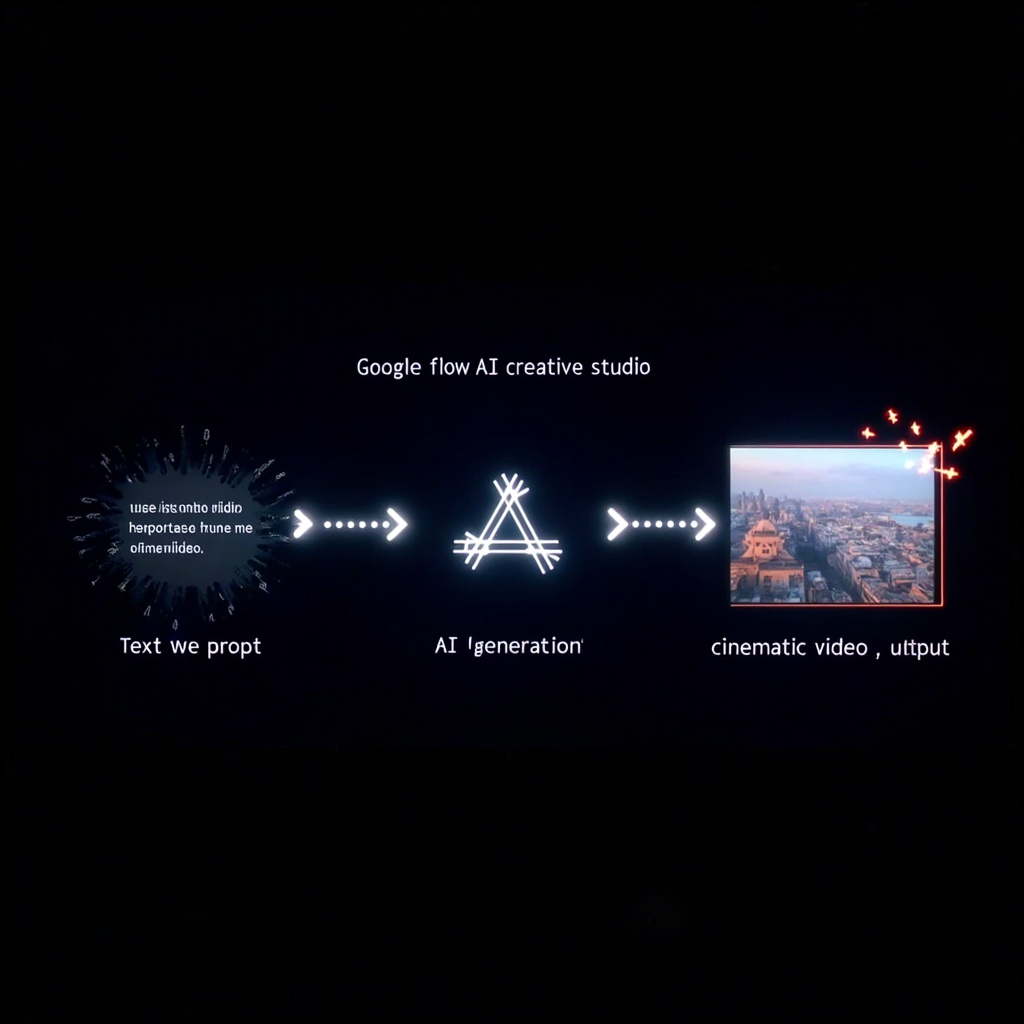
Figure 3: Google Flow �?From Prompt to Cinema Workflow
Step 1: Log in at flow.google with your Google account. Make sure you have an active AI Pro or Ultra subscription.
Step 2: Choose your mode �?’Video’ for pure text-to-video, or ‘Image’ if you want to start with a generated frame. For this walkthrough, select Video.
Step 3: Write your prompt. Be as descriptive as you want �?mention lighting (‘golden hour,’ ‘cinematic neon’), camera motion (‘slow dolly in,’ ‘aerial orbit’), subject details, and mood. Example: ‘A lone astronaut walks across the surface of Mars at sunset. Dust particles float in the amber light. Camera slowly pushes in. Cinematic, Ridley Scott style.’
Step 4: Select your aspect ratio �?16:9 for YouTube, 9:16 for Shorts/Reels, or 1:1 for social grids.
Step 5: Click ‘Generate’ and wait. Veo 3.1 typically produces clips in 60�?0 seconds depending on server load.
Step 6: Review your clip. Use the lasso tool to select problem areas and describe fixes in natural language. Extend scenes, add objects, remove unwanted elements.
Step 7: Export in your preferred resolution �?up to 4K on Ultra, 1080p on Pro.
What’s New in 2026: The February Redesign
The February 2026 update was significant. Google consolidated its scattered AI creative tools into one unified workspace. Key additions:
- Image generation moved to the homepage �?no longer buried in a submenu.
- The lasso tool now lets you select regions and apply targeted edits without regenerating an entire clip.
- Drag-and-drop asset management: pull images and videos into your workspace, reorder them, prompt directly from them.
- Natural language editing: instead of using sliders and parameter controls, just type what you want. ‘Add falling snow,’ ‘make the sky more dramatic,’ ‘change the actor’s outfit to a black trench coat.’
- ‘Scene Extension’ �?generate what happens next in a clip with a single click.
Comparing Flow to the Competition
The AI video space is heating up. Here’s how Flow stacks up:
- vs. OpenAI Sora: Sora excels at photorealism but Flow’s Veo 3.1 offers stronger cinematic camera controls and native audio synchronization. Sora is more accessible globally; Flow is US-centric for now.
- vs. Runway Gen-3: Runway has a more mature editing suite and better brand adoption in the film industry. But Flow’s integration with Google’s ecosystem (YouTube, Vertex AI, Google Vids) gives it a data and distribution edge.
- vs. Pika/Lumenai: These are more consumer-friendly, but lack Flow’s production fidelity and 4K output.
The real differentiator for Flow isn’t just the quality �?it’s that it comes from Google, meaning deep integration with YouTube Shorts, Google Cloud’s Vertex AI (for enterprise workflows), and the broader Gemini ecosystem.
Use Cases That Actually Work
- Short Film Production: Independent filmmaker Junie Lau used Flow to prototype scenes for a sci-fi short film, cutting pre-production costs by an estimated 40%.
- Brand Campaigns: Dave Clark, a commercial director, uses Flow to generate mood boards and pre-visualization material for client pitches �?turning a weeks-long process into days.
- Music Videos: Henry Daubrez, a Belgian director, created an entire AI-generated music video using Flow’s Veo + Nano Banana pipeline, which he then refined in Premiere Pro.
- YouTube Content: Creators are using Flow to generate B-roll, intros, and animated segments without touching a camera.
Limitations to Know Before You Start
- Prompt fidelity has limits: Complex multi-character scenes with specific dialogue can still produce uncanny results.
- Generation times vary: During peak hours (post-work in the US), you may wait 3�? minutes for a clip.
- Resolution caps on Pro: 1080p upscaling only; 4K requires Ultra.
- Content restrictions: Google has community guidelines �?certain commercial uses (celebrity deepfakes, political content) are prohibited.
- Copyright ambiguity: AI-generated content exists in a legal gray area. Google retains usage rights to generations in some contexts; read the terms carefully for commercial projects.
The Bigger Picture: Why Google Flow Matters
Google Flow isn’t just another AI tool �?it’s a strategic bet that the future of creative work is prompt-driven, browser-based, and model-native. By integrating Veo 3.1, Imagen, and Gemini into a single interface, Google is building a one-stop creative operating system.
For creators, the implication is clear: the tools are becoming democratized at an extraordinary pace. The barrier to producing high-fidelity video content is no longer budget or technical skill �?it’s imagination.
The question is no longer whether AI will change filmmaking �?it’s how fast you’re willing to adapt.
End of Article
Related Articles

Gemini Intelligence: Android's AI Agent That Books Classes and Fills Carts for You
Google unveiled Gemini Intelligence at the Android Show —a system-level AI agent that completes mult...
Google Colab Just Got a Personal Python Tutor — And It Actually Teaches You to Code
Google's new Learn Mode transforms Gemini inside Colab into a step-by-step coding tutor. No more cop...

Google Colab Learn Mode: Gemini as Your Personal Python Tutor
A complete guide to Google Colab's Learn Mode and Custom Instructions — two features that transform ...