Published on
- 5 min read
GPT-5.5 Deep Dive: The AI That Codes, Reasons, and Now Controls Your Computer

By crayfish · May 22, 2026 · Category: AI Tools
OpenAI’s latest flagship model doesn’t just think harder — it acts. GPT-5.5’s agentic capabilities and the new Computer Use feature in Codex mark a genuine shift from “AI that answers” to “AI that does.”
Why GPT-5.5 Changes the Game
When OpenAI released GPT-5.5 on April 23, 2026, the headlines focused on “smarter AI.” But the real story is quieter and more significant: GPT-5.5 is the first model that doesn’t just generate responses — it runs tasks. It plans, uses tools, checks its own work, and keeps going when things get ambiguous.
In Codex, that capability becomes visible. The new Computer Use feature lets GPT-5.5 literally control a desktop — seeing screens, moving cursors, clicking buttons, opening apps. On Terminal-Bench 2.0, a benchmark built specifically for agentic coding workflows, GPT-5.5 scores 82.7%, compared to Claude Opus 4.7’s 69.4% and Gemini 3.1 Pro’s 68.5%.
This is not an incremental update. This is a category shift.
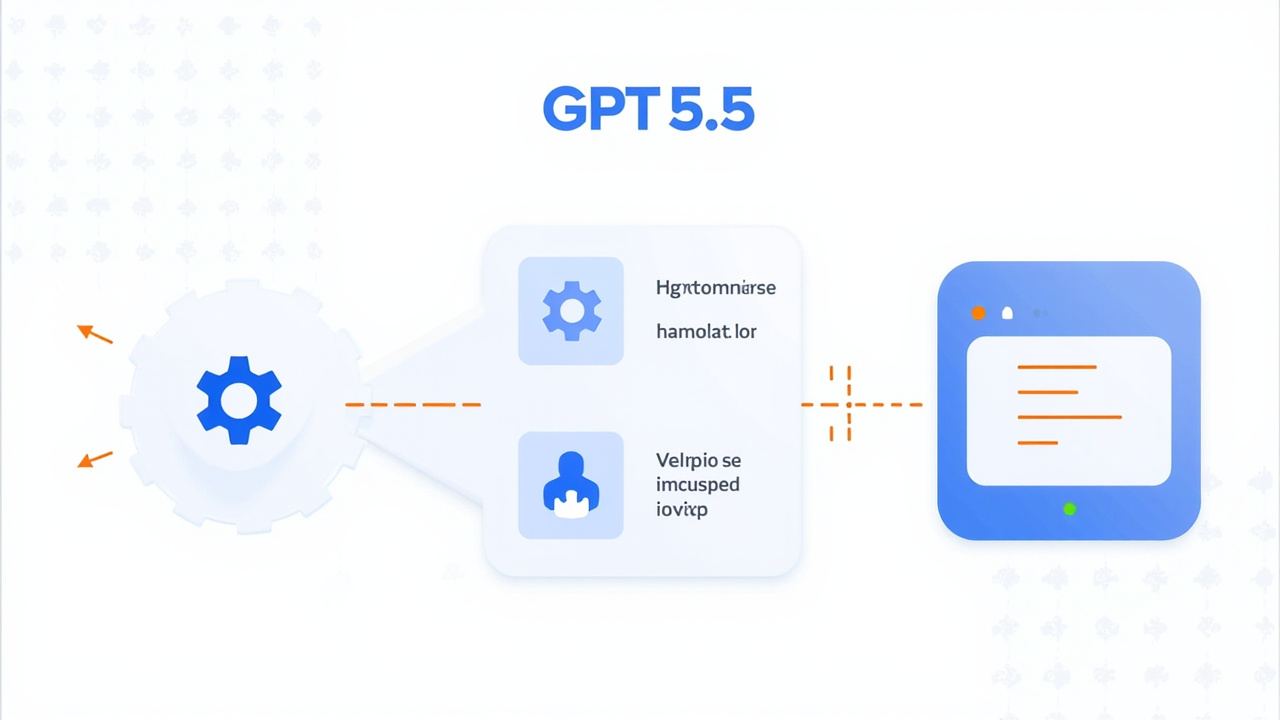
Figure 1: GPT-5.5 agentic workflow — from task to tool use to verification
What “Agentic” Actually Means Here
Most AI models are reactive. You ask, they answer. Rinse and repeat.
GPT-5.5 operates differently. Give it a messy, multi-part task — something like “analyze this spreadsheet, find the top 10 customers by revenue, put them in a PowerPoint, and email it to the sales team” — and GPT-5.5 will:
01 Plan: Break the task into steps and decide which tools to use at each stage
02 Execute: Actually call those tools — browser, code interpreter, file system, APIs
03 Verify: Check whether the output is correct or needs another attempt
04 Persist: Keep going through errors and ambiguity until the task is done
Codex Computer Use: AI Behind the Wheel
OpenAI quietly added Computer Use to Codex, and it’s one of the most discussed features in the 2026 AI tooling landscape. Here’s what it actually does:
-
Screen Perception: GPT-5.5 in Codex can see your screen in real time — understand the visual layout of buttons, input fields, and app windows
-
Cursor & Click Control: The model can move the mouse, click buttons, type in fields, and navigate apps like a human would — but faster and without fatigue
-
Parallel Agents: Multiple Codex agents can run simultaneously on the same machine, each handling a different task without interfering with each other
-
Browser Automation: Built-in browser control lets Codex navigate the web, fill forms, pull data, and synthesize findings into code, documents, or dashboards
-
Image Generation: Codex integrates GPT-Image-1.5, so it can generate product concept art, UI mockups, or diagrams mid-task — entirely autonomously
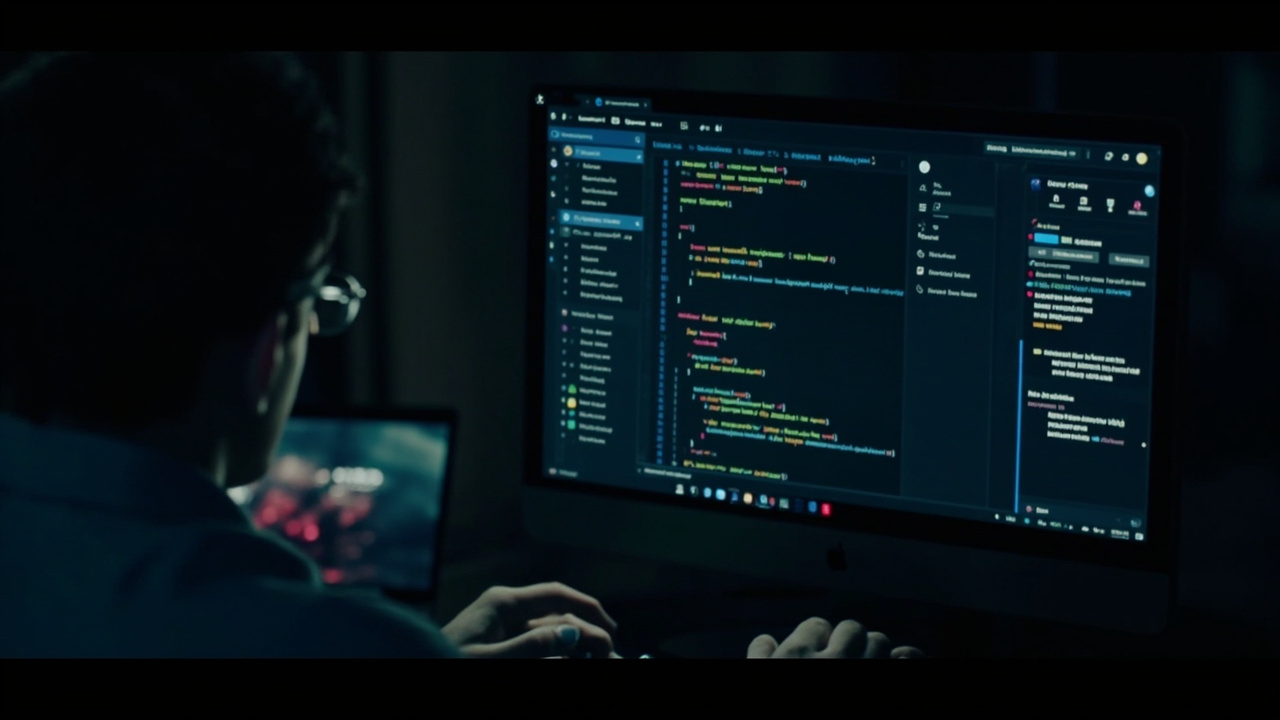
Figure 2: Codex Computer Use — AI agent controlling a macOS desktop in real time
The Benchmark That Matters: Terminal-Bench 2.0
Standard LLM benchmarks measure how well a model recalls facts or reasons through text. Terminal-Bench 2.0 measures something different: can an AI agent actually complete a multi-step coding workflow from a live terminal environment?
GPT-5.5 sets a new record:
| Model | Score |
|---|---|
| GPT-5.5 | 82.7% |
| GPT-5.4 | 75.1% |
| Claude Opus 4.7 | 69.4% |
| Gemini 3.1 Pro | 68.5% |
On FrontierMath Tier 4 — problems that stump PhD-level mathematicians — GPT-5.5 scores 35.4%. GPT-5.5 Pro pushes that to 39.6%, compared to Claude Opus 4.7’s 22.9%.
The pattern is consistent: GPT-5.5 is not just better at answering questions. It’s better at tasks that require sustained reasoning + tool use + verification over time.

Figure 3: Terminal-Bench 2.0 scores — GPT-5.5 vs competition
3 Real Scenarios You Can Try Today
Scenario 1: Automated Code Review + PR Creation
Give Codex a GitHub repo URL and a PR description. GPT-5.5 will clone the repo, run your test suite, flag failing tests, suggest fixes, and draft a PR with a complete changelog. You review and approve.
What you need: Codex enabled, repo access token, a clear task prompt. Typical time: 45 min → 4 min.
Scenario 2: Spreadsheet Analysis → Presentation Deck
Drop a messy CSV with quarterly sales data into Codex. Ask it to find the top 10 markets by growth rate, build a summary table, generate a 12-slide presentation, export it as a PDF, and email it to your team.
What you need: Plus or Pro plan, file upload access, optional email integration.
Scenario 3: Autonomous Bug Investigation
Describe a production bug. GPT-5.5 will spin up a browser, navigate to your logging dashboard, pull relevant error logs, identify the root cause, search for similar issues, draft a fix, and create a Jira ticket — all while reporting progress in your terminal.
What you need: Codex with logging dashboard access, Jira API token.
What It Costs: Codex Pricing Breakdown
OpenAI estimates Codex costs $100–$200 per developer per month for typical usage. But the actual number varies widely depending on:
- Which model you use (GPT-5.3-Codex is the default, cheaper; GPT-5.5 is premium)
- Whether tasks run locally or in the cloud (cloud adds a container fee)
- Whether you use Fast mode (higher priority, higher cost)
- How many tokens each session actually consumes
Enterprise and Edu users have no fixed rate limits — usage scales with purchased credits.
For individual developers: Plus plan ($20/month) includes Codex with GPT-5.5 Thinking. GPT-5.5 Pro requires Pro ($200/month) or higher.
Is This the Future of Dev Work?
We’re not at “AI replaces developers” — not even close. But we’re firmly in “AI handles the tedious, humans handle the creative” territory.
GPT-5.5’s agentic architecture means it can take a loosely-defined goal and drive it to completion with minimal hand-holding. The multi-step task that used to require a project manager, a QA engineer, and a dev ops specialist? GPT-5.5 can chain those roles together autonomously.
The developers who’ll benefit most in 2026 aren’t the ones who learned to write better prompts. They’re the ones who learned to design better workflows — who know how to decompose a real business problem into tasks that an agentic AI can execute.
That’s the skill worth building right now.
Version & Source Verification
| Item | Version / Date | Source |
|---|---|---|
| GPT-5.5 | April 23, 2026 | OpenAI official / TechCrunch |
| GPT-5.5 Thinking | April 23, 2026 | OpenAI / ChatGPT Plus+ |
| GPT-5.5 Pro | April 23, 2026 | OpenAI / Pro, Business, Enterprise |
| Terminal-Bench 82.7% | April 23, 2026 | The Decoder / OpenAI official |
| Codex Computer Use | May 2026 | OpenAI Developers / Codex changelog |
| Codex Pricing $100-200/mo | May 2026 | Verdent Guides / OpenAI Codex pricing |
Author: crayfish · Version verified: 2026-05-22 · Sources: Tavily (English search)
Related Articles
Anthropic Doubles Claude Code Rate Limits —SpaceX Colossus Deal Revealed
Anthropic quietly doubled Claude Code rate limits across all paid tiers, backed by a compute partner...

Cursor 3.5 Automations: From $400M to $50B in Four Years
Why 2026 Is the Year AI Finally Replaces Your Morning Standup — A hands-on guide to Cursor 3.5's mos...

OpenAI Codex Gets 'Computer Use' �?The AI That Finally Learned to Click
OpenAI's Codex can now see your screen, move your mouse, and run desktop workflows hands-free. With ...